Who came in, when, and with whose card.
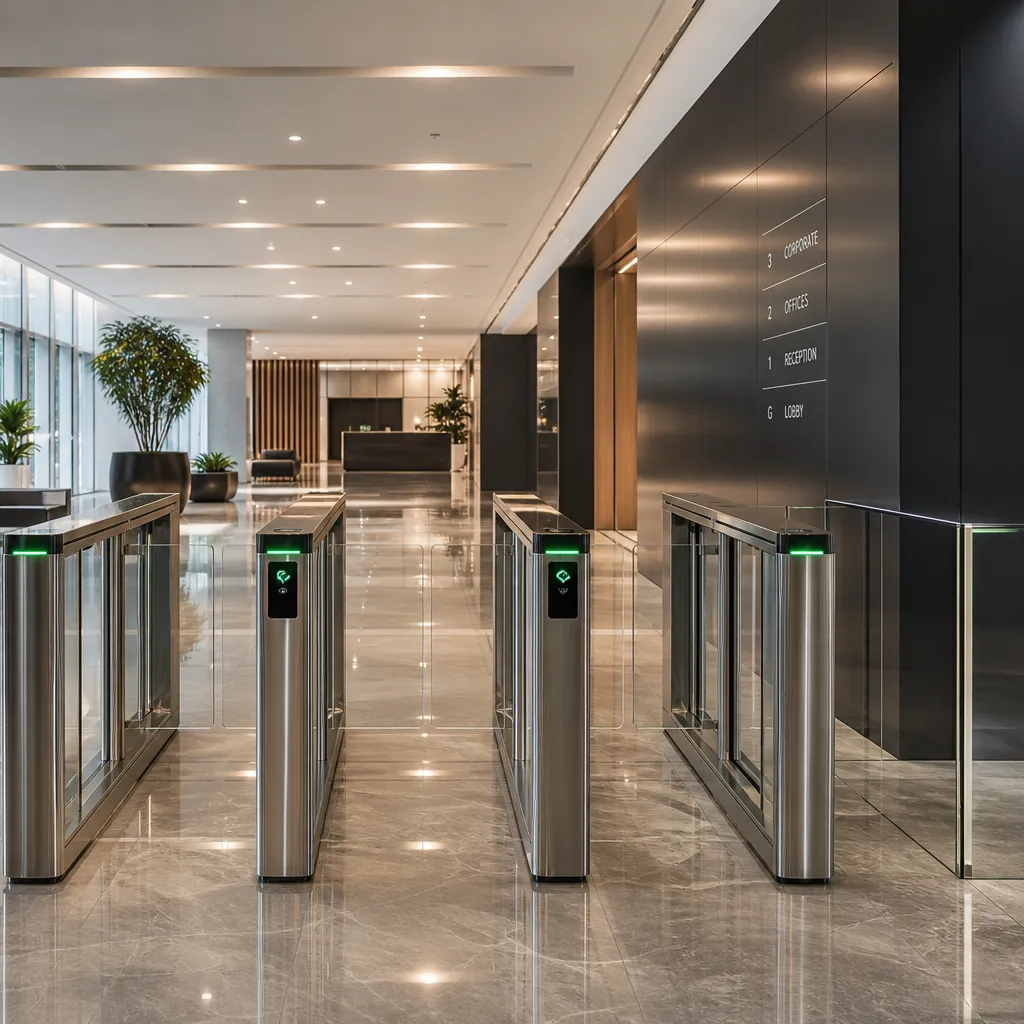
RFID, fingerprint or NFC phone on the doors you protect. You decide who's allowed where and when — the system logs it.
When this makes sense
- You need to know who entered which room and when, not just whether the door was locked.
- Staff or tenants change often, so deactivating a card is easier than changing a lock.
- Certain zones — server room, warehouse, archive — should open only for specific people.
- The building has several entrances and needs one shared user database.
When it doesn't
- The site has a single door and a guard on duty at all times — an ordinary lock and key still does the job.
- The goal is only logging when people arrive at work, without restricting doors — that's time and attendance, not access control.
- The number of users is small and stable enough that managing cards doesn't justify the system's cost.
How it works
- 01
Door and zone map
We mark which doors and zones need control, and who's allowed through them and when.
- 02
Readers on the doors
An RFID card, fingerprint or NFC phone identifies the person at a controller that operates the lock.
- 03
Access rules
Each user gets permissions by door and by time — the day shift doesn't automatically open the night entrance.
- 04
Access log
Every opening is logged with time, door and user, ready for review and reporting.
- 05
Evacuation link
On a fire alarm, controlled doors unlock according to a rule set in advance for evacuation.
What's in the system
- Door controllerper entrance or zone
- ReaderRFID · fingerprint · NFC
- Electric lock or magnetic strike12 VDC
- Rules and reporting softwarenamed accounts
- Fire system integrationunlock on evacuation
- Backup powerbattery
Technical parameters
- Identification
- RFID · fingerprint · NFC
- Doors per controller
- 1 – 4
- Power
- 12 VDC + battery backup
- Logging
- time, door, user
- Integration
- fire evacuation, CCTV
- Data access
- named accounts, logged viewing
Example — office with 3 zones
- Doors under control
- 6
- Readers
- RFID + fingerprint on the server room
- Users
- 45
- Report
- monthly, by zone and user
Illustrative example, not an offer. The final project follows a site visit.
Questions
What's the difference between access control and time and attendance?
Access control decides who can open which door and when. Time and attendance uses the same identification to calculate presence and payroll — the systems can connect, but they do different jobs.
What happens to controlled doors if there's a fire?
Controlled doors on the evacuation route unlock under a rule agreed in advance, so fire safety takes priority over access restriction.
Who can view the access log?
Only the named accounts you designate. Every viewing is logged, and data access rules are set out in our agreement with you.
Can cards be deactivated quickly when someone leaves the company?
Yes, deactivation is instant in the software — a card or fingerprint stops opening doors without needing to change the lock.
Site visit and assessment are free of charge.
Site visit and assessment are free of charge · Mon–Fri 08:00–16:00